Chat in a meeting
Chat in a meeting
If you and other participants need to confirm something with text in a meeting, you can use this feature to send text messages in the chats area and let everyone in the meeting see it.
Windows and macOS
Send Chats in a Meeting
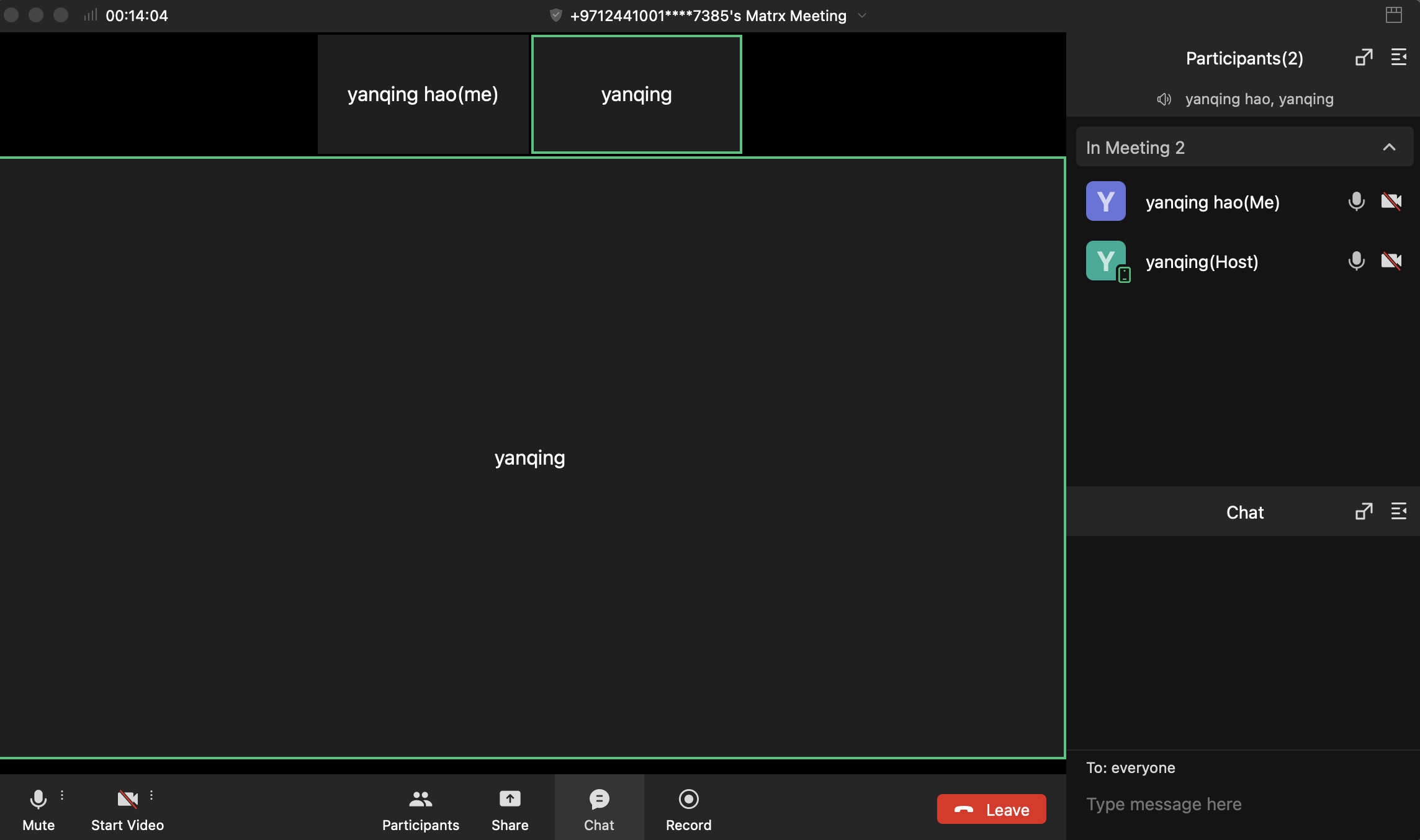
Click the Chats button on the toolbar and the chat page will be displayed. Input and send text messages in the chatbox. The sent messages will be seen by all the participants.
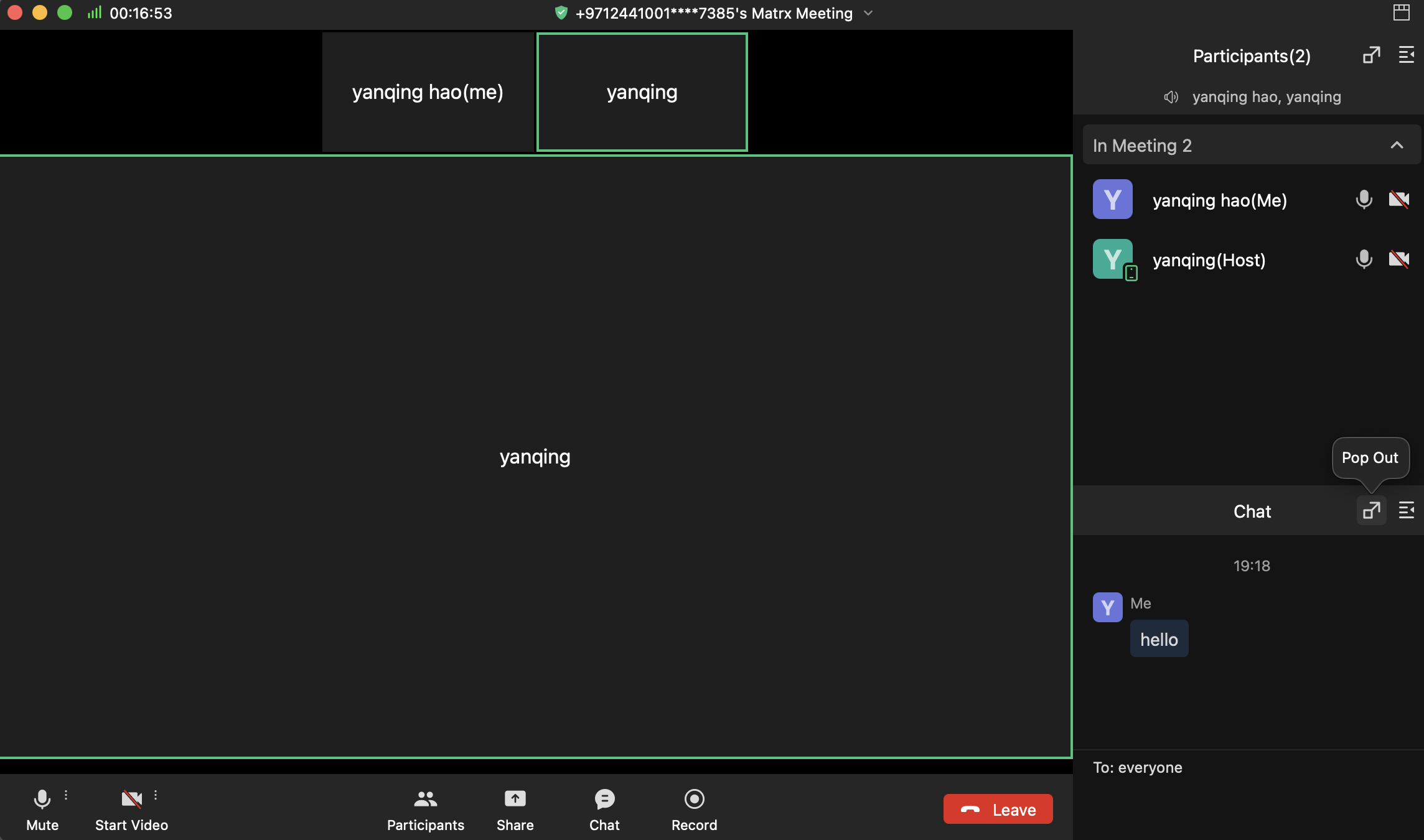
Chat Page Location Setting
The chat page can be set to display on the right side of the screen or the top layer of the screen.
Android and iOS
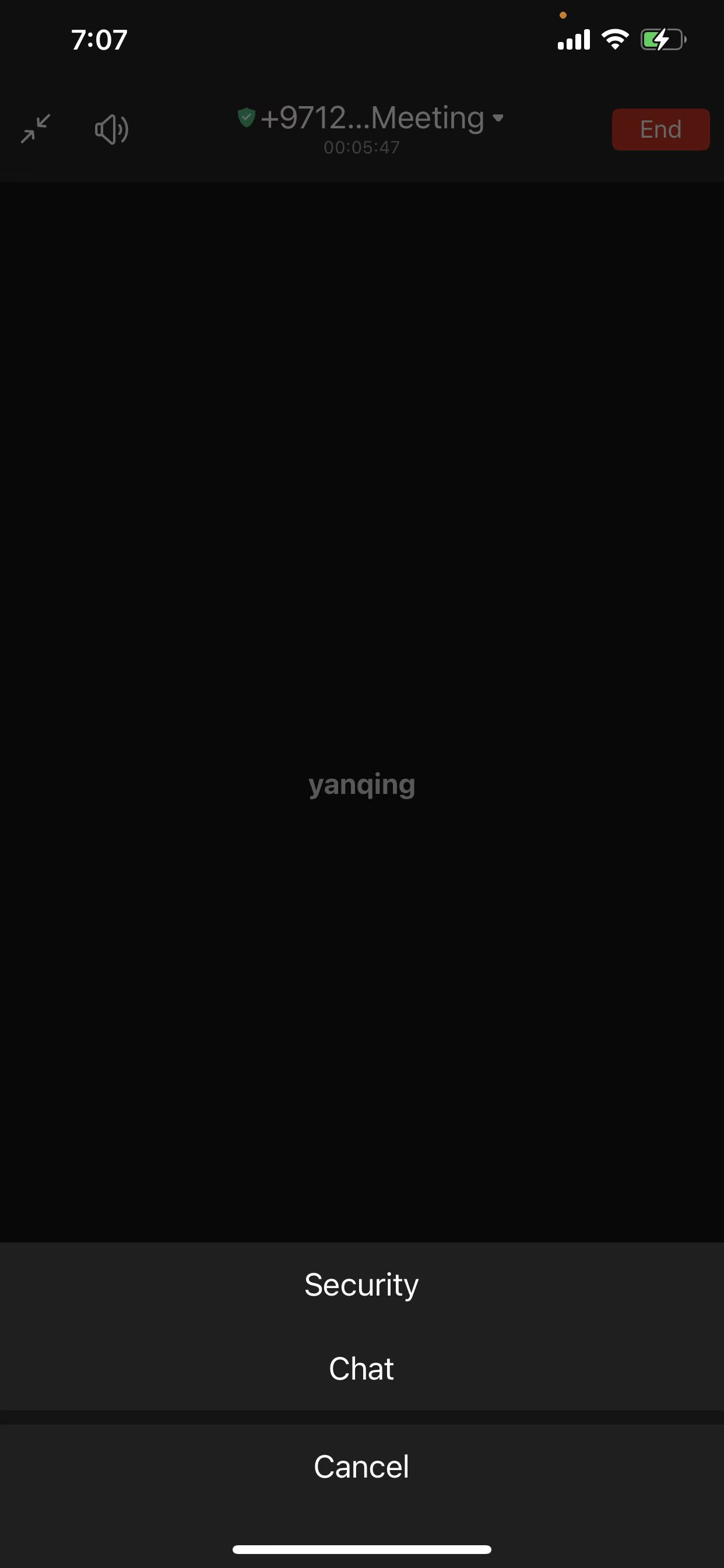
Send Chats in a Meeting
Tap the More button on the toolbar and then tap Chats to go to the chats page. Input and send text messages. All the participants will see the sent messages.